
August 20, 2025
PinkPantheress has once again cracked the code of Gen Z’s collective brain chemistry with her track Illegal. It’s short, it’s addictive, and it’s the kind of song that makes you feel like you’re...
Read more
August 20, 2025
Conan Gray has never been shy about writing songs that feel like reading your high school diary at 2 a.m. with the lights off. But with Caramel, he’s gone full Willy Wonka heartbreak mode. It’s...
Read more
August 20, 2025
PinkPantheress has always had a gift for making music that feels like it was recorded inside your daydreams, half diary entry, half late-night Tumblr scroll. With Romeo, she’s taken that talent and...
Read more
August 20, 2025
Every so often, a song arrives that feels less like a single and more like a cinematic event. LISA’s latest release, DREAM featuring Japanese actor and heartthrob Kentaro Sakaguchi, is exactly that...
Read more
August 20, 2025
If Cardi B has taught us anything, it’s that she doesn’t just rap, she throws down verbal haymakers wrapped in couture and glitter. Her new joint, “Imaginary Playerz,” is a full-on drag session for...
Read more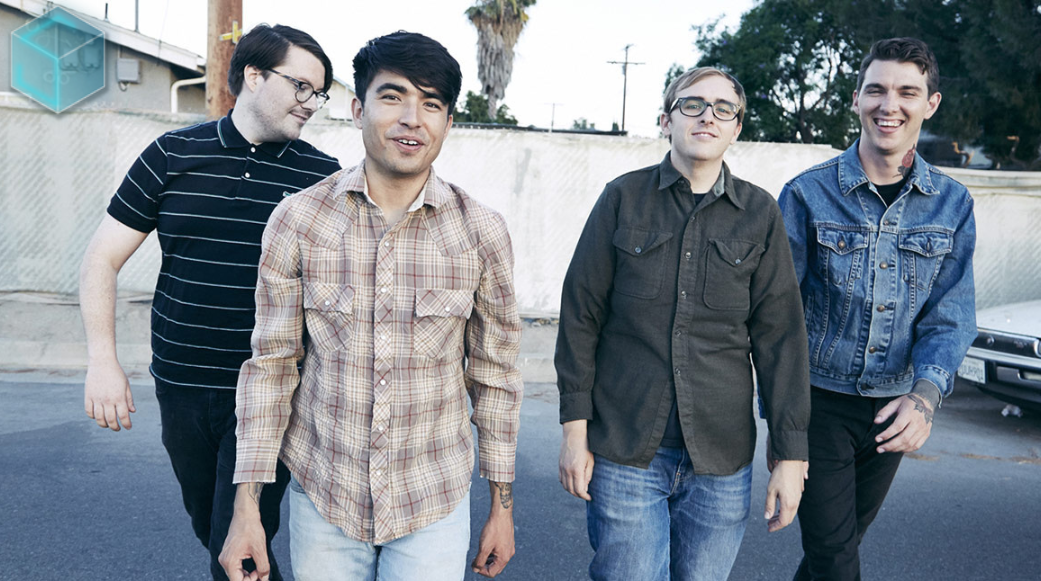
August 20, 2025
Everyone’s favorite pop-punkers, Joyce Manor, are back with their first new song in three years. The surprise single, “All My Friends Are So Depressed,” is out now via Epitaph Records, blending...
Read more
August 20, 2025
In 2025, Christian culture is prevalent, although it was previously on the outside of popular music. The Billboard Hot 100 is dominated by religious-themed songs like Benson Boone's...
Read more
August 20, 2025
Michael Tait, a well-known Christian rock musician (DC Talk, Newsboys), has admitted to engaging in "unwanted sensual" behavior and substance misuse for decades. Multiple accusers allege abuse...
Read more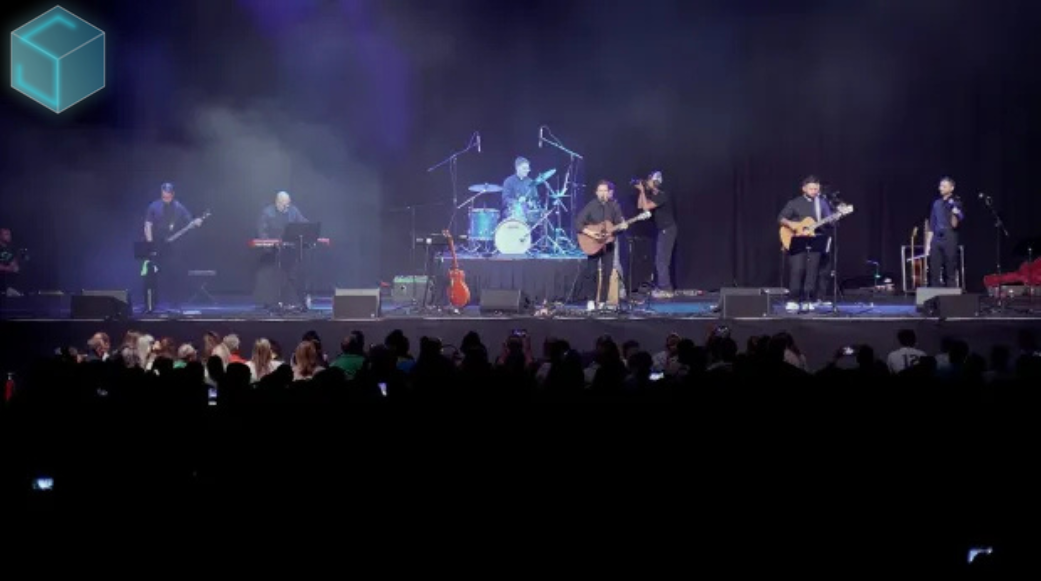
August 20, 2025
Imagine six Catholic priests performing at a sold-out Houston show instead of a well-known pop star. Their band's performance combined messages of prayer, celibacy, and faith with elements of rock...
Read more.png)
August 20, 2025
Nostalgia, Mother Mother’s latest album, is one of those rare creations. It invites us into a world where lightness isn’t escapism—it’s a form of resistance, a beacon of hope, and a path forward....
Read more
August 19, 2025
When Anna of the North released “Lovers” in 2017, it was already a dreamy synth-pop gem, filled with wistful vocals and lush production that captured the ache of young romance. But it wasn’t until...
Read more
August 19, 2025
“Let Me Know” ft. Future started out as a moody, late-night playlist type of track, the kind you blast in your car pretending you’re in a music video while stuck in traffic. But now? It’s become...
Read more.png)
When creating dynamic drum sounds in Reaper, automating effects is a powerful way to shape how the drums interact with the mix. A common technique is to make the drums sound like they’re in the back of the room at the beginning of a song, then bring them forward as the track progresses. This can be achieved by automating sends and effects on the drum bus to apply these changes only at certain points in the mix.
Here’s how to automate a drum bus in Reaper to create a "back of the room" effect at the start of your song.
First, route all drum tracks to a dedicated drum bus. This allows you to process the entire drum kit together and control its overall sound. The bus will serve as a central hub for applying effects and making the drums sound cohesive.
To create a "back of the room" feel, a combination of reverb, EQ, and light compression can be used:
To isolate the room effect to the beginning of the song, a separate effects chain can be set up:
Next, automate the send volume to control when the room effect is heard:
This technique ensures that the room reverb and EQ are applied only when needed, allowing the drums to transition from a distant sound to a more present one as the track develops.
After setting up the automation, listen back to the track and fine-tune the transitions. Adjust the automation curve and fade-out times for a smooth change between the distant and upfront drum sound. You can also tweak the reverb decay or EQ settings to create a more natural progression.
Automating a drum bus in Reaper to apply effects at specific points can add depth and movement to a mix. Using techniques like reverb sends and EQ automation can bring creative dimension to the drums, making them feel like they’re in the back of the room at the start of a track and evolving them into a stronger, more forward sound as the song progresses.
This approach allows for flexibility and control, giving your drum mix a dynamic and engaging character without the need for constant manual adjustments.
.png)


