.png)
March 25, 2026
At this year’s Grammys, Justin Bieber stepped onto the stage in a way no one expected. There were no elaborate visuals, no heavy styling, no spectacle. Just boxers, socks, a mirror placed in front...
Read more.png)
March 25, 2026
Not long ago, the idea of a computer creating an entire song felt like science fiction. Now it’s becoming surprisingly common. With tools like Suno and Udio, AI-generated music is being uploaded to...
Read more.png)
March 25, 2026
Open Spotify’s Top 50 and you’ll notice something subtle but consistent: songs are getting shorter. Two minutes and thirty seconds is no longer unusual. Some tracks barely cross the two-minute mark...
Read more.png)
March 2, 2026
Sabrina Carpenter’s Short n’ Sweet era shows how banjo and other country sounds can live comfortably inside glossy pop production. Her tracks mix bright acoustic textures with punchy drums, synths...
Read more.png)
March 2, 2026
Over the last few years, phonk has exploded from underground SoundCloud mixes into mainstream playlists and TikTok trends. You’ve probably heard its gritty, nostalgic energy like the dark bass...
Read more.png)
March 2, 2026
Not long ago, songs were built slowly. An instrumental intro would set the mood, a verse would ease listeners in, and the chorus arrived later as the reward. Today, that structure is quietly...
Read more.png)
March 2, 2026
Bad Bunny’s 2026 Super Bowl show didn’t just break viewing records—it confirmed that the “global sound” (Latin music, Afrobeats, Amapiano, Afro-fusion) is now the center of pop culture, not a side...
Read more.png)
March 2, 2026
If you’ve been mixing music for a while, you’ve probably heard about Spotify’s big update: lossless streaming is finally here. That means Premium users can now listen to songs in full-quality FLAC...
Read more
October 23, 2025
Discover how Mix Master strengthens your brain just like an instrument - training focus, creativity, and emotional intelligence through the science of sound.
Read more.png)
September 8, 2025
Tools like Suno are now powerful enough to generate melodies, lyrics, and even full songs in seconds. That’s exciting—and controversial. Just ask Timbaland. Recently, he came under fire..
Read more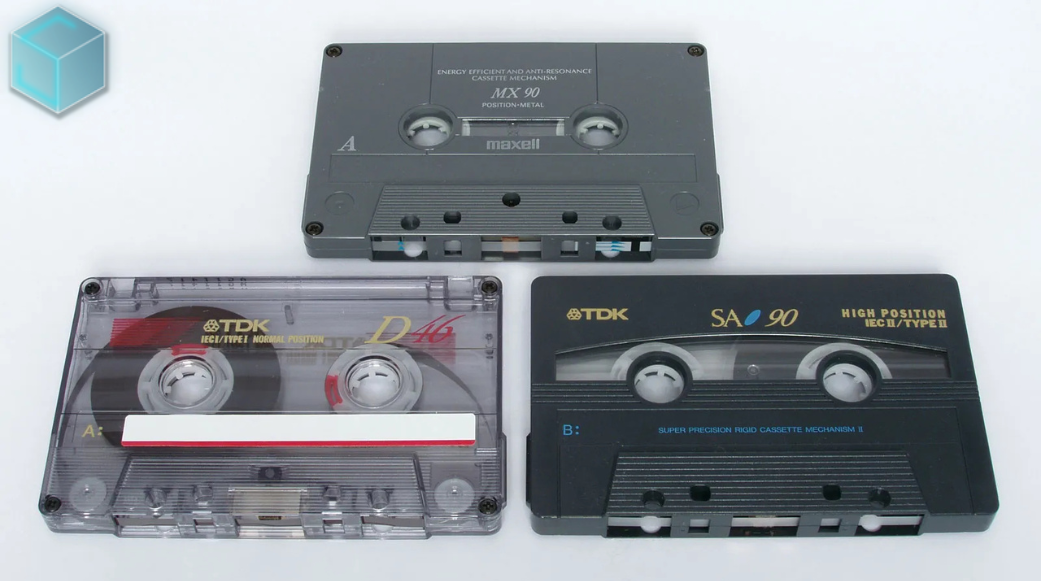
August 23, 2025
The 1980s and 1990s analog music medium known as cassette cassettes is experiencing an unanticipated comeback, with Gen Z spearheading the trend. Taylor Swift, who included cassettes in the release...
Read more
August 23, 2025
This week's most notable headline: Doja Cat's erotically charged, '80s-inspired music video, "Jealous Type," is dominating social media feeds and cultural discourse, marking her most daring...
Read more.png)
Studio One by PreSonus is an incredibly powerful DAW (Digital Audio Workstation) that offers a variety of tools to streamline your music production workflow. However, like many DAWs, getting the most out of it requires mastering its features and shortcuts. In this blog, we’ll explore key tips to boost your workflow efficiency, as well as examples of how some famous producers have leveraged similar techniques.
The quickest way to shave off time from your production is by learning Studio One’s custom key commands. You can create your own set of shortcuts by going to Studio One > Keyboard Shortcuts and tailoring them to your needs.
Multi-instrumentalist Tash Sultana is known for her one-woman band approach, managing complex loops and samples. Having a fluid control of shortcuts for actions like recording, playback, and splitting tracks helps her manage numerous instruments in real time.
Macros are like supercharged shortcuts in Studio One. You can assign multiple tasks to a single button press, like automating EQ adjustments, inserting effects, or even creating complex MIDI routings.
Studio One has a powerful drag-and-drop interface. You can drag instruments, effects, loops, and even entire presets from the browser directly onto tracks. This minimizes the need to open multiple windows or menus.
Electronic producer deadmau5 uses drag-and-drop interfaces in his production setups to quickly build projects. Studio One’s ease of integration with drag-and-drop simplifies the complex layering that’s a hallmark of his sound.
If you often use the same instruments or plugins, track templates are your best friend. You can save a track or group of tracks with all their settings (instruments, plugins, routing, etc.) and recall them instantly.
The Arranger and Scratch Pads in Studio One are life-savers when it comes to arranging your song structure. The Arranger lets you easily move song sections around, while the Scratch Pads allow you to experiment with different ideas without messing up your main arrangement.
Hans Zimmer, the renowned film score composer, often talks about the importance of structuring a piece. Using tools like the Arranger Track in DAWs helps to quickly organize large projects, something Zimmer’s workflow also benefits from.
Studio One offers seamless integration with Melodyne, one of the best pitch-correction and sound-design tools out there. This can save you time in tuning vocals or creating interesting textures from basic sounds. With just a few clicks, you can edit pitch and timing to perfection.
To ensure your system doesn’t lag, use Studio One’s low-latency monitoring feature when recording. For larger projects, track freezing can reduce CPU strain by rendering virtual instrument tracks temporarily.
You can hide unused tracks or narrow the view to fit more tracks on the screen. Grouping channels and color-coding them also helps keep things visually organized.
Studio One’s Smart Tool can automatically switch between select, move, and other editing tools based on your mouse position. This eliminates the need to manually switch tools, speeding up the editing process.
When you're ready to export, you can use the "Export Stems" function to export multiple tracks or instruments at once. This is a huge time-saver for collaborative projects where you need to send individual parts to others for mixing or remixing.
Many professional producers, such as Flume, emphasize the importance of workflow efficiency. Flume is known for his intricate production techniques, but he often uses DAWs like Ableton and Studio One to get his ideas down quickly before perfecting them later. These workflow tips allow him to focus on the creative side without getting bogged down by technical limitations.
By integrating these tips into your Studio One workflow, you’ll be able to produce music more efficiently, leaving you with more time to focus on creativity. Whether you’re working on your first single or preparing for a full album, these strategies will help you maximize your productivity without sacrificing quality.
What’s your go-to Studio One workflow tip? Share it in the comments!
.png)


