.png)
March 25, 2026
At this year’s Grammys, Justin Bieber stepped onto the stage in a way no one expected. There were no elaborate visuals, no heavy styling, no spectacle. Just boxers, socks, a mirror placed in front...
Read more.png)
March 25, 2026
Not long ago, the idea of a computer creating an entire song felt like science fiction. Now it’s becoming surprisingly common. With tools like Suno and Udio, AI-generated music is being uploaded to...
Read more.png)
March 25, 2026
Open Spotify’s Top 50 and you’ll notice something subtle but consistent: songs are getting shorter. Two minutes and thirty seconds is no longer unusual. Some tracks barely cross the two-minute mark...
Read more.png)
March 2, 2026
Sabrina Carpenter’s Short n’ Sweet era shows how banjo and other country sounds can live comfortably inside glossy pop production. Her tracks mix bright acoustic textures with punchy drums, synths...
Read more.png)
March 2, 2026
Over the last few years, phonk has exploded from underground SoundCloud mixes into mainstream playlists and TikTok trends. You’ve probably heard its gritty, nostalgic energy like the dark bass...
Read more.png)
March 2, 2026
Not long ago, songs were built slowly. An instrumental intro would set the mood, a verse would ease listeners in, and the chorus arrived later as the reward. Today, that structure is quietly...
Read more.png)
March 2, 2026
Bad Bunny’s 2026 Super Bowl show didn’t just break viewing records—it confirmed that the “global sound” (Latin music, Afrobeats, Amapiano, Afro-fusion) is now the center of pop culture, not a side...
Read more.png)
March 2, 2026
If you’ve been mixing music for a while, you’ve probably heard about Spotify’s big update: lossless streaming is finally here. That means Premium users can now listen to songs in full-quality FLAC...
Read more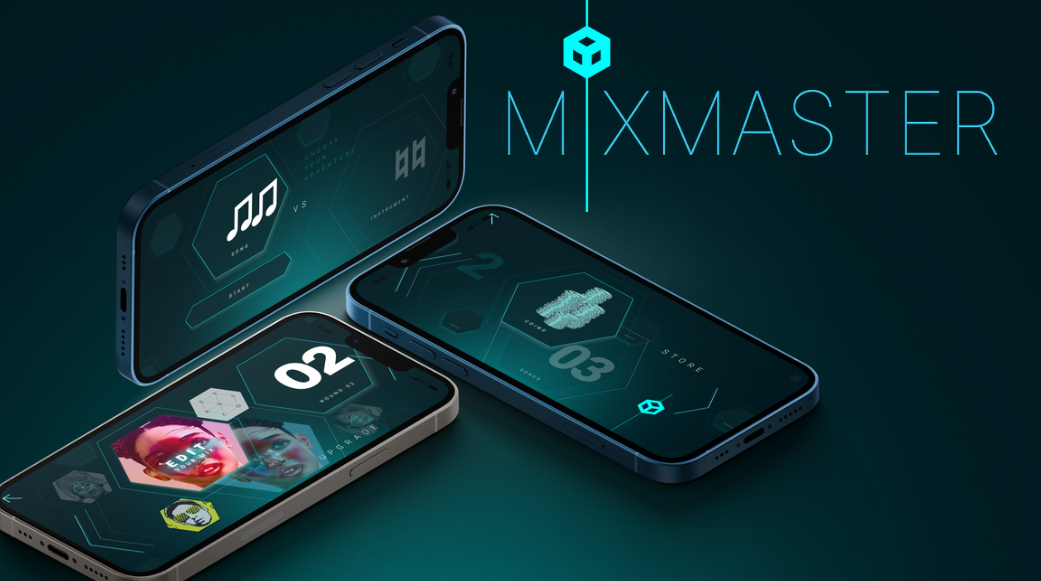
October 23, 2025
Discover how Mix Master strengthens your brain just like an instrument - training focus, creativity, and emotional intelligence through the science of sound.
Read more.png)
September 8, 2025
Tools like Suno are now powerful enough to generate melodies, lyrics, and even full songs in seconds. That’s exciting—and controversial. Just ask Timbaland. Recently, he came under fire..
Read more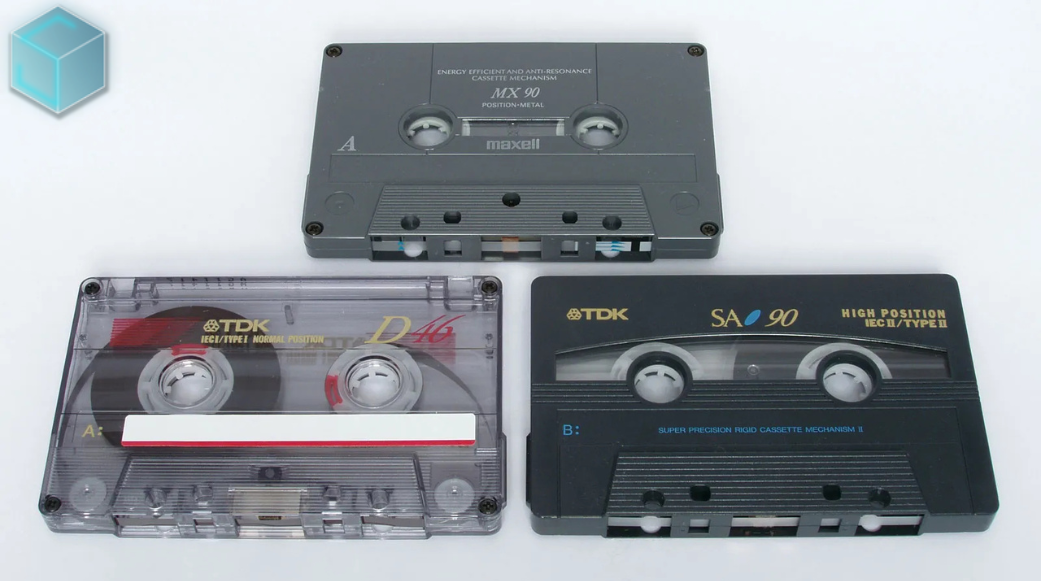
August 23, 2025
The 1980s and 1990s analog music medium known as cassette cassettes is experiencing an unanticipated comeback, with Gen Z spearheading the trend. Taylor Swift, who included cassettes in the release...
Read more
August 23, 2025
This week's most notable headline: Doja Cat's erotically charged, '80s-inspired music video, "Jealous Type," is dominating social media feeds and cultural discourse, marking her most daring...
Read more.png)
When creating dynamic drum sounds in Reaper, automating effects is a powerful way to shape how the drums interact with the mix. A common technique is to make the drums sound like they’re in the back of the room at the beginning of a song, then bring them forward as the track progresses. This can be achieved by automating sends and effects on the drum bus to apply these changes only at certain points in the mix.
Here’s how to automate a drum bus in Reaper to create a "back of the room" effect at the start of your song.
First, route all drum tracks to a dedicated drum bus. This allows you to process the entire drum kit together and control its overall sound. The bus will serve as a central hub for applying effects and making the drums sound cohesive.
To create a "back of the room" feel, a combination of reverb, EQ, and light compression can be used:
To isolate the room effect to the beginning of the song, a separate effects chain can be set up:
Next, automate the send volume to control when the room effect is heard:
This technique ensures that the room reverb and EQ are applied only when needed, allowing the drums to transition from a distant sound to a more present one as the track develops.
After setting up the automation, listen back to the track and fine-tune the transitions. Adjust the automation curve and fade-out times for a smooth change between the distant and upfront drum sound. You can also tweak the reverb decay or EQ settings to create a more natural progression.
Automating a drum bus in Reaper to apply effects at specific points can add depth and movement to a mix. Using techniques like reverb sends and EQ automation can bring creative dimension to the drums, making them feel like they’re in the back of the room at the start of a track and evolving them into a stronger, more forward sound as the song progresses.
This approach allows for flexibility and control, giving your drum mix a dynamic and engaging character without the need for constant manual adjustments.
.png)


